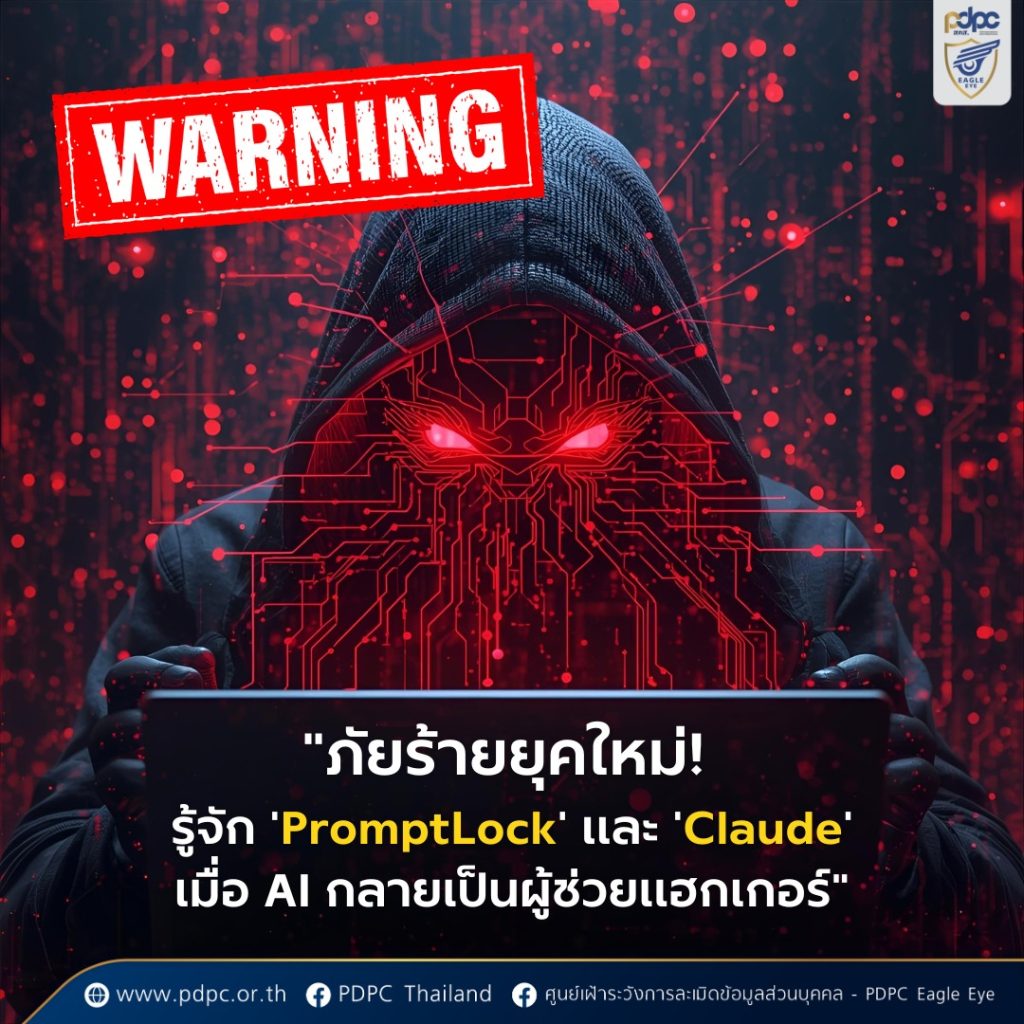

PromptLock (AI-powered ransomware) and Claude (AI chatbot used by hackers).
Cr.: https://www.facebook.com/share/p/17F3Dkufce/?mibextid=wwXIfr
From the initial review:
-
The article feels sensationalized. While AI-assisted cyberattacks are indeed possible, the way it is presented (especially “PromptLock” and “Claude”) seems like fictionalized scenarios or highly speculative reports.
-
I could not find confirmation from reliable cybersecurity sources (such as Kaspersky, CrowdStrike, CISA, or CERT) about these exact threats. That means they may be more of a concept demonstration or media exaggeration rather than real, active malware families.
-
However, the core idea is valid: AI can and is being abused by cybercriminals, for things like phishing, malware automation, and psychological manipulation in ransom notes.
Recommended Protective Measures
-
Keep software updated: Always update OS, applications, and antivirus/firewall.
-
Back up your data: Maintain cloud + offline backups.
-
Beware of phishing/malware: Don’t click suspicious links, check sender details, and avoid downloading unverified files.
-
Use strong passwords & MFA: Unique, complex passwords and 2FA wherever possible.
-
Raise awareness: Educate friends, family, and coworkers about evolving cyber threats.
✅ Cybersecurity Checklist
(Protect Yourself from AI & Ransomware Threats)
1. 🔒 Update & Protect
-
Keep Windows / macOS / Android / iOS up to date
-
Update Antivirus + enable Firewall
-
Remove unused programs/apps
2. 💾 Backup Your Data
-
Backup files to Cloud + External HDD
-
Keep an offline (air-gapped) backup
3. 📩 Watch Out for Phishing & Malware
-
Don’t click strange links or attachments
-
Double-check URLs before entering passwords
-
Avoid installing unverified .exe / .apk files
4. 🔑 Use Strong Authentication
-
Use long, unique passwords (12+ characters)
-
Enable 2FA / MFA on all accounts
-
Use a password manager
5. 👥 Awareness & Safe Habits
-
Educate friends and family about cyber risks
-
Use secure Wi-Fi (avoid public Wi-Fi for transactions)
-
Be cautious when sharing personal info online